


















Home
chevron_right
Store
chevron_right
Audi
chevron_right
A8
chevron_right
Audi A8 / S8 D5 (4N, 2018–2020) Apple CarPlay & Android Auto Activation
Product description
Audi A8 D5 (4N) Apple CarPlay and Android Auto activation. Many Audi A8 D5 (4N) cars already have the phone connection hardware, but the feature is switched off at the factory. Aktiveerime auto originaalses MMI touch (MIB2+) system with factory Apple CarPlay and Android Auto support.
What you get
- Apple CarPlay: Waze, Google Maps, Apple Maps, Spotify, messages and calls on the car screen.
- Android Auto: Google Maps, Waze, Spotify, YouTube Music and Google Assistant.
- Control with the steering wheel buttons and voice commands, just like a factory feature.
- Lifetime activation with no monthly or yearly fee.
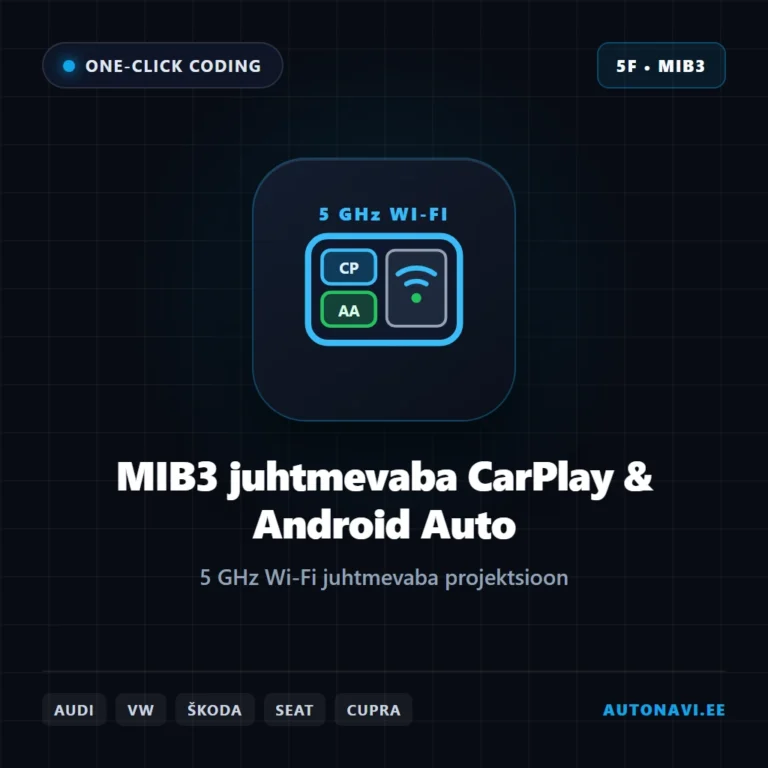
After activation, Apple CarPlay and Android Auto work with a cable. Juhtmevaba Apple CarPlay you can order as an add-on (requires the car's MMI WiFi hotspot).
You can order as an add-on full screen (Full Screen): CarPlay and Android Auto then use the full wide screen, not a narrow window.
Will it work in my car?
The same model and year can come with different multimedia systems, so compatibility is decided by the software version, not the year. On the MMI screen select Settings → General → System maintenance → Version information.
Your car is suitable if the software version starts with: MH2P_ER_AUG35, MH2P_ER_AU, MH2p_ER_AUG35
The safest way: before buying, send your VIN or a photo of the version information screen to autonavi@pilvepank.ee and we will tell you whether the service fits your car.
How does the activation work?
The change is made in software in the car's original multimedia system. No extra devices, adapters or cables are installed in the car. Before the change we make a backup of the system. The work is done at our premises in Tallinn, or we guide you through it over a remote connection.
If the dealer later updates the multimedia system software, the activation may need to be renewed. AutoNavi terms of sale apply.
Related products
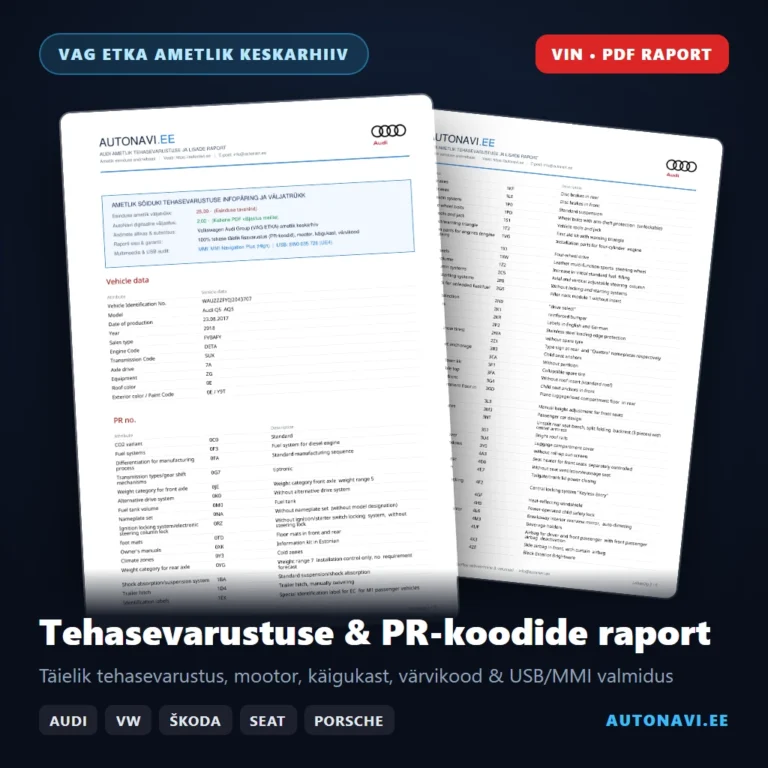
VAG vehicle factory equipment enquiry and add-ons report (Audi, VW, Škoda, Seat, Porsche)
Price
Original price was: 25 €.2 €Current price is: 2 €.
arrow_forward