



















Id-Dar
chevron_right
Ħanut
chevron_right
Porsche
chevron_right
Cayenne
chevron_right
Porsche Cayenne E3 (9Y0, 2019–2022) Aġġornament tal-Mapep tan-Navigazzjoni tal-Ewropa
Deskrizzjoni tal-prodott
Porsche Cayenne E3 (9Y0) originaalnavigatsiooni kaartide uuendamine. We install the latest available official European map version on the car's factory navigation.
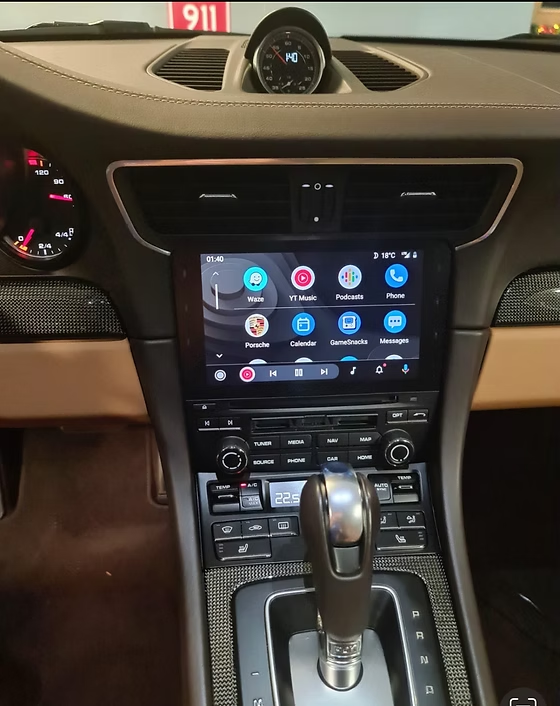
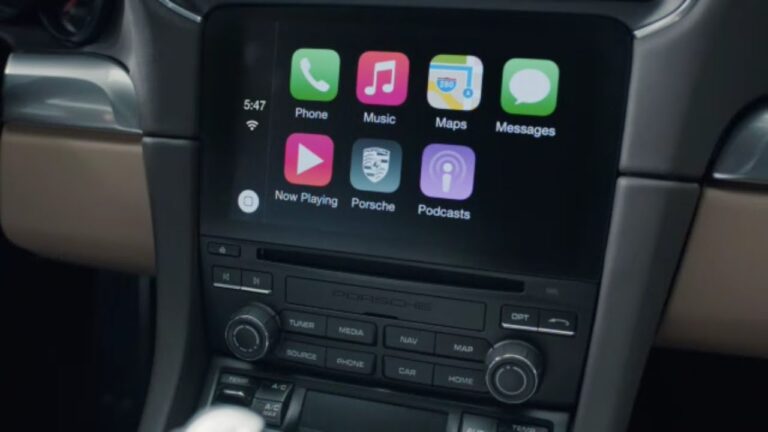
Why update if you use CarPlay?
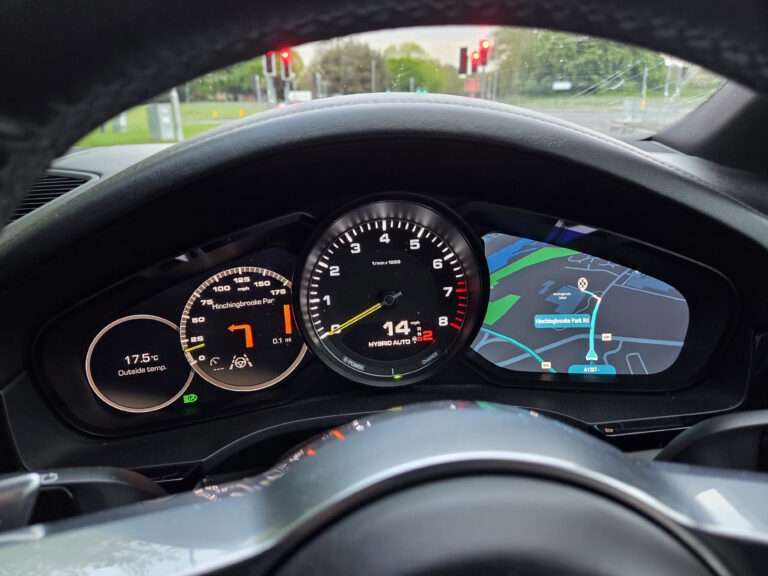
- Kiiruspiirangud: traffic sign recognition and the instrument cluster use the factory map. An old map shows wrong limits.
- Cluster: factory navigation directions and map stay in the driver's field of view.
- New roads and junctions kogu Euroopas.
- Works without a phone and mobile internet.
Does this fit my car?
The same model and year may have a different infotainment system, so compatibility is determined by software version, not year. Versiooni leiad from the software version guide.
Your car fits if the software version starts with: MH2P_ER_POG35, MH2P_ER_PO416
Safest option: send your VIN or a photo of the version info screen to the address before you buy autonavi@pilvepank.ee and we will tell you whether the service fits your car.
How does activation work?
The change is made in software on the car's original infotainment system. No extra devices, adapters or wiring are installed in the car. We email you the file and installation guide (you use your own SD card or USB stick), or we do the work on site in Tallinn by arrangement. A backup of the system is made before the change.
Changing the software may affect the vehicle manufacturer's warranty terms. If the dealership later updates the infotainment software, the activation may need to be updated. AutoNavi terms of sale apply.
Prodotti relatati