
















Home
chevron_right
Store
chevron_right
Seat
chevron_right
Arona
chevron_right
Seat Arona (KJ, 2017–2020) Navi System Infotainment Firmware & Software Update
Product description
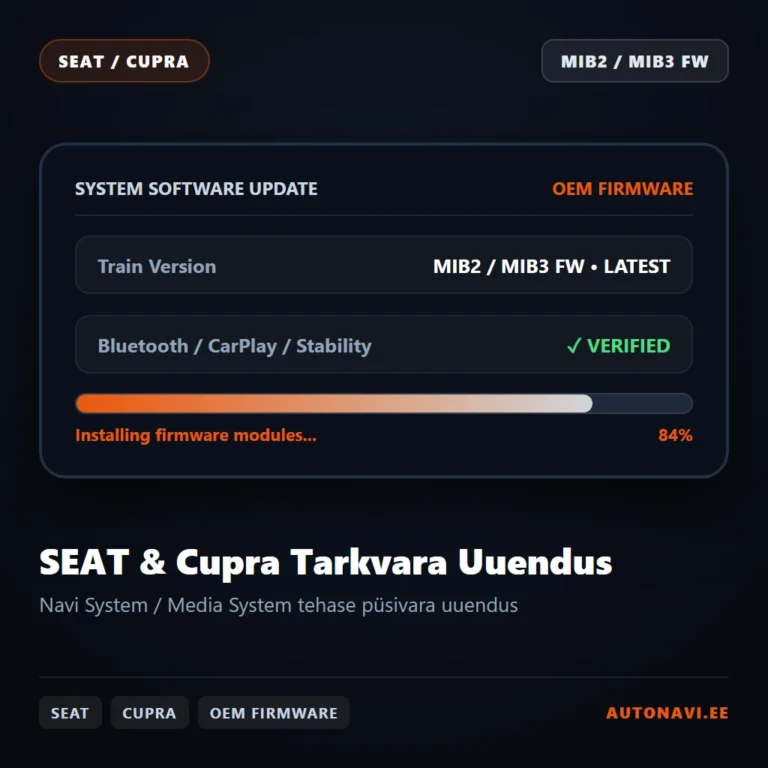
Seat Arona (KJ) infotainment software update. We update the car's Media System Plus / Navi System or Navi System Plus system to a newer official software version from the same manufacturer.
What does the update give you?
- Improves system stability and fixes Bluetooth pairing and phone connection bugs.
- Faster screen response and start-up.
- Some extra features (e.g. the CarPlay map in the instrument cluster) need a specific software version.
Before the update we check your current version and tell you which newer version fits the car.
Will it work in my car?
The same model and year can come with different multimedia systems, so compatibility is decided by the software version, not the year. Press and hold the radio's MENU button for about 10 seconds until the version information window opens.
Your car fits if the software version starts with: MST2_EU_SE_ZR, MHI2_ER_SEG11
Of the MIB2 Standard systems, both TechniSat / Preh software (ends in T, e.g. MST2_EU_VW_ZR_P0480T) and Delphi software (ends in D, e.g. MST2_EU_VW_P0891D) are supported.
MIB2 Standard limitations: on units with software 01xx (HW H1x), CarPlay and Android Auto do not work. Units with TechniSat software 05xx (e.g. MST2_EU_SE_ZR_P0514T) and units with part numbers 5F003587*, 5QA035874* and 5C0035684F cannot be activated without removing and opening the unit. We do not activate these units. You can find the part number on the radio's label.
The safest way: before buying, send your VIN or a photo of the version information screen to autonavi@pilvepank.ee and we will tell you whether the service fits your car.
How does the activation work?
The change is made in software in the car's original multimedia system. No extra devices, adapters or cables are installed in the car. Before the change we make a backup of the system. The work is done at our premises in Tallinn, or we guide you through it over a remote connection.
If the dealer later updates the multimedia system software, the activation may need to be renewed. AutoNavi terms of sale apply.